 Half-Life 1
Return to Black Mesa with a setup that fits your play style. Tune aiming, movement, visuals and camera controls, create encounters with the spawner, and save it all in your own profiles.
In-game previews
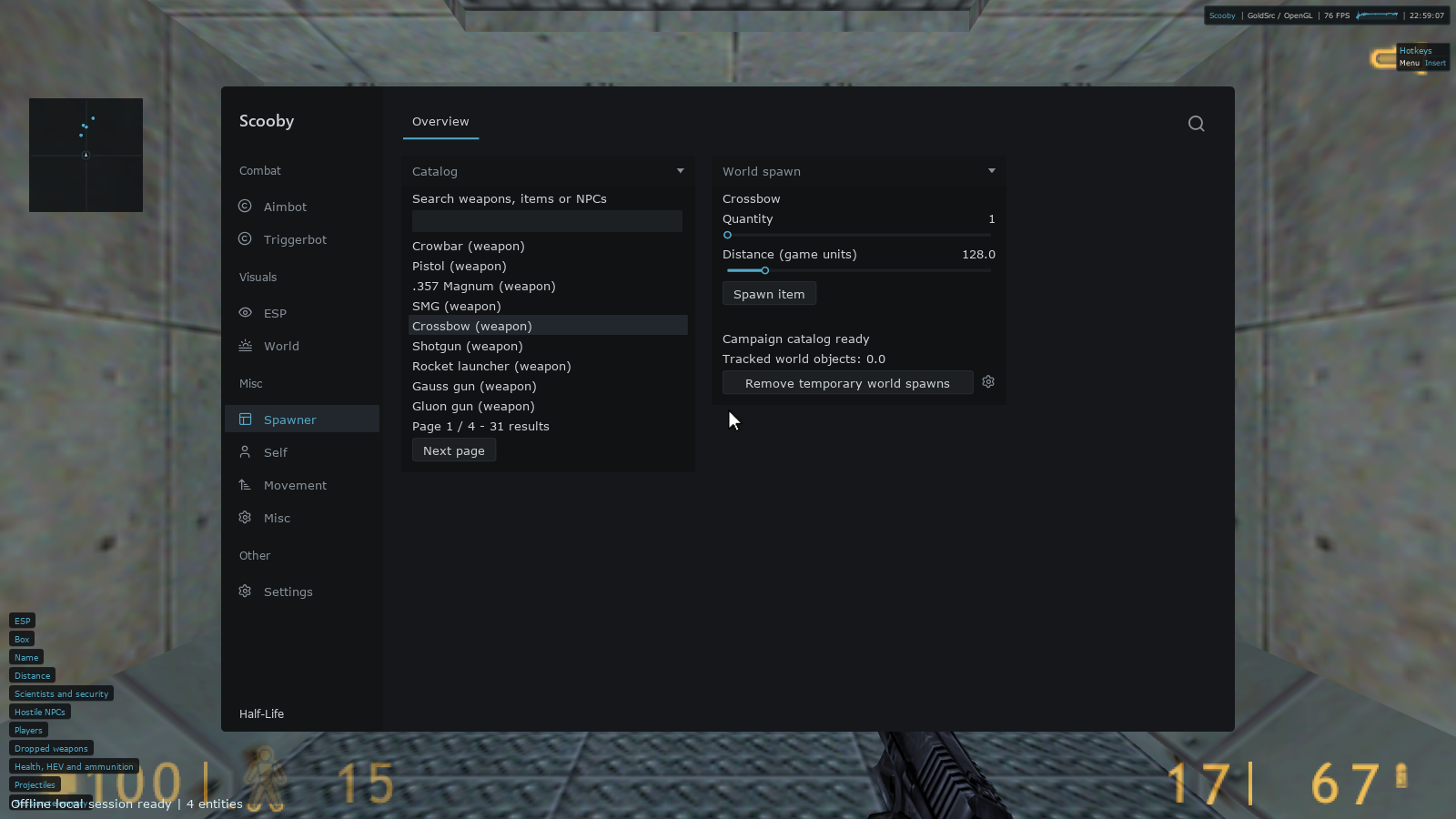
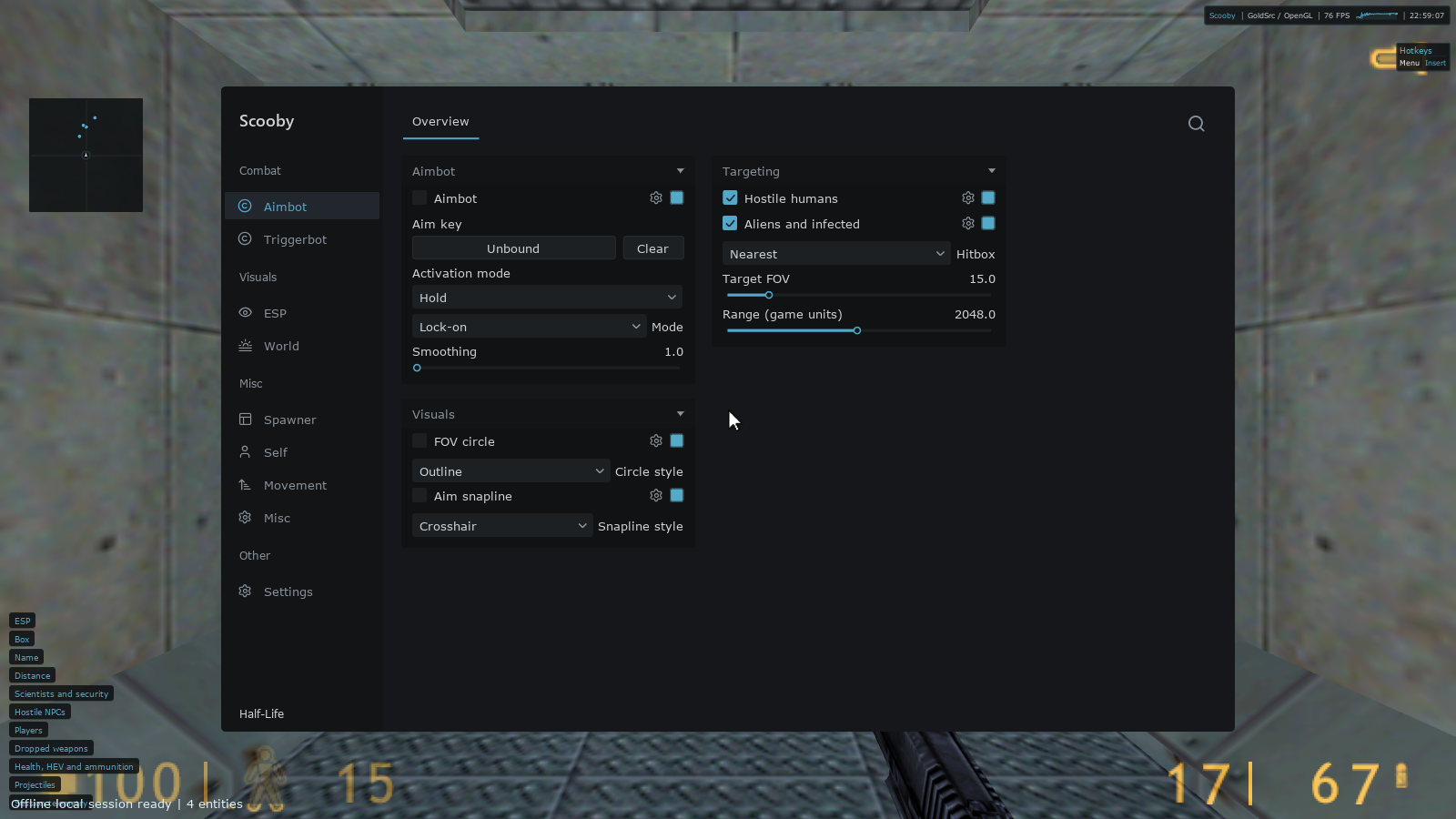
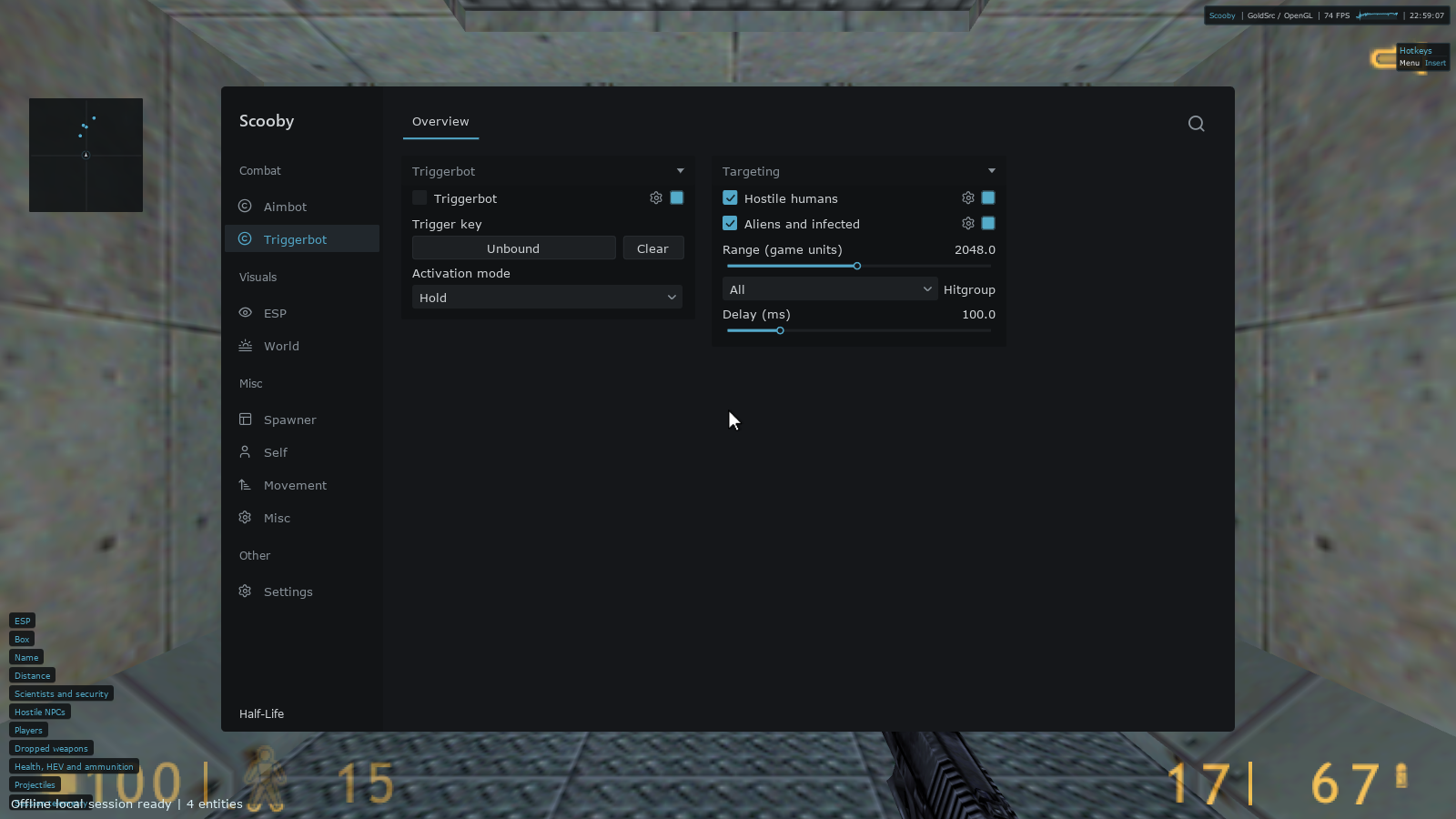
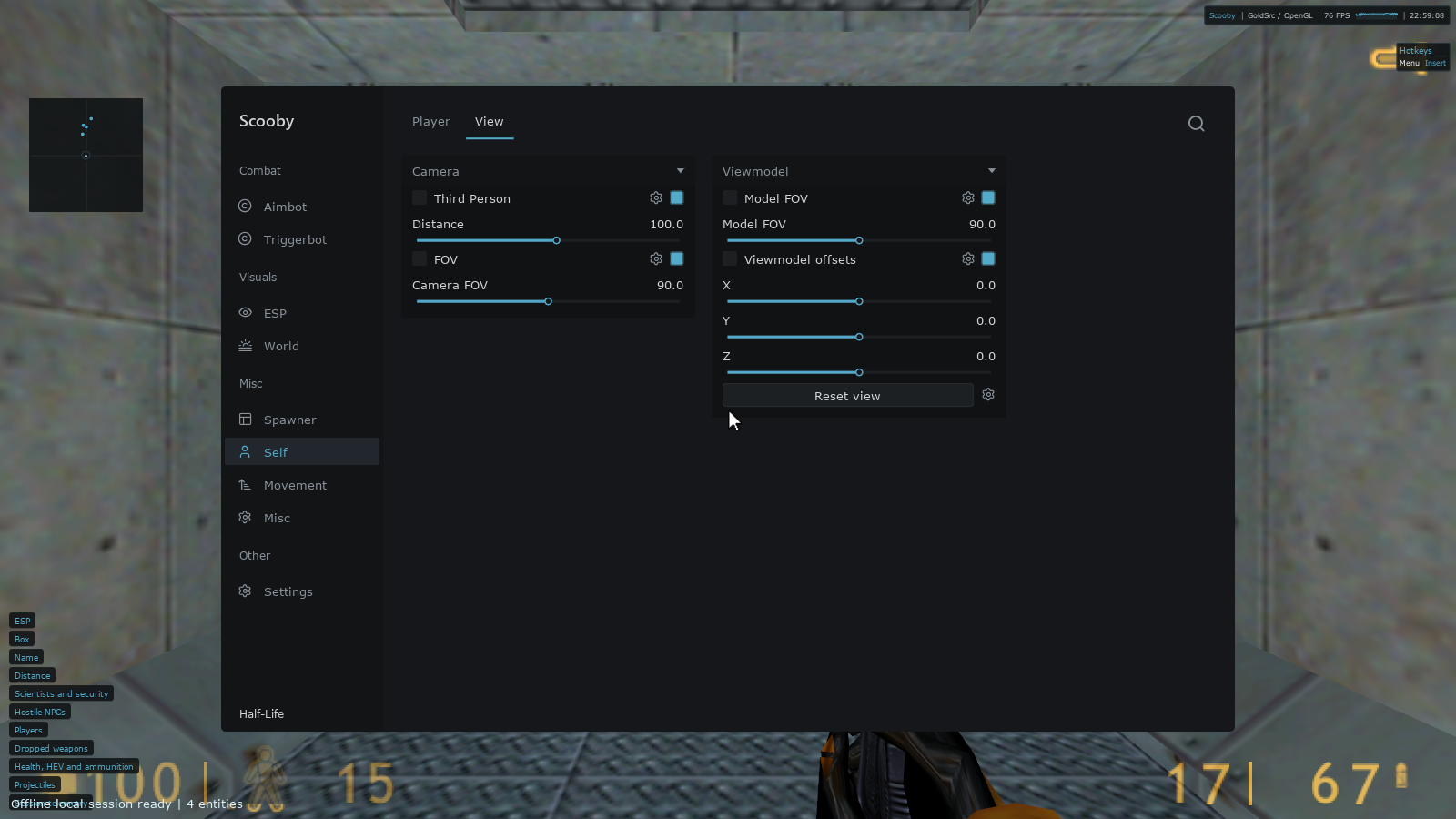
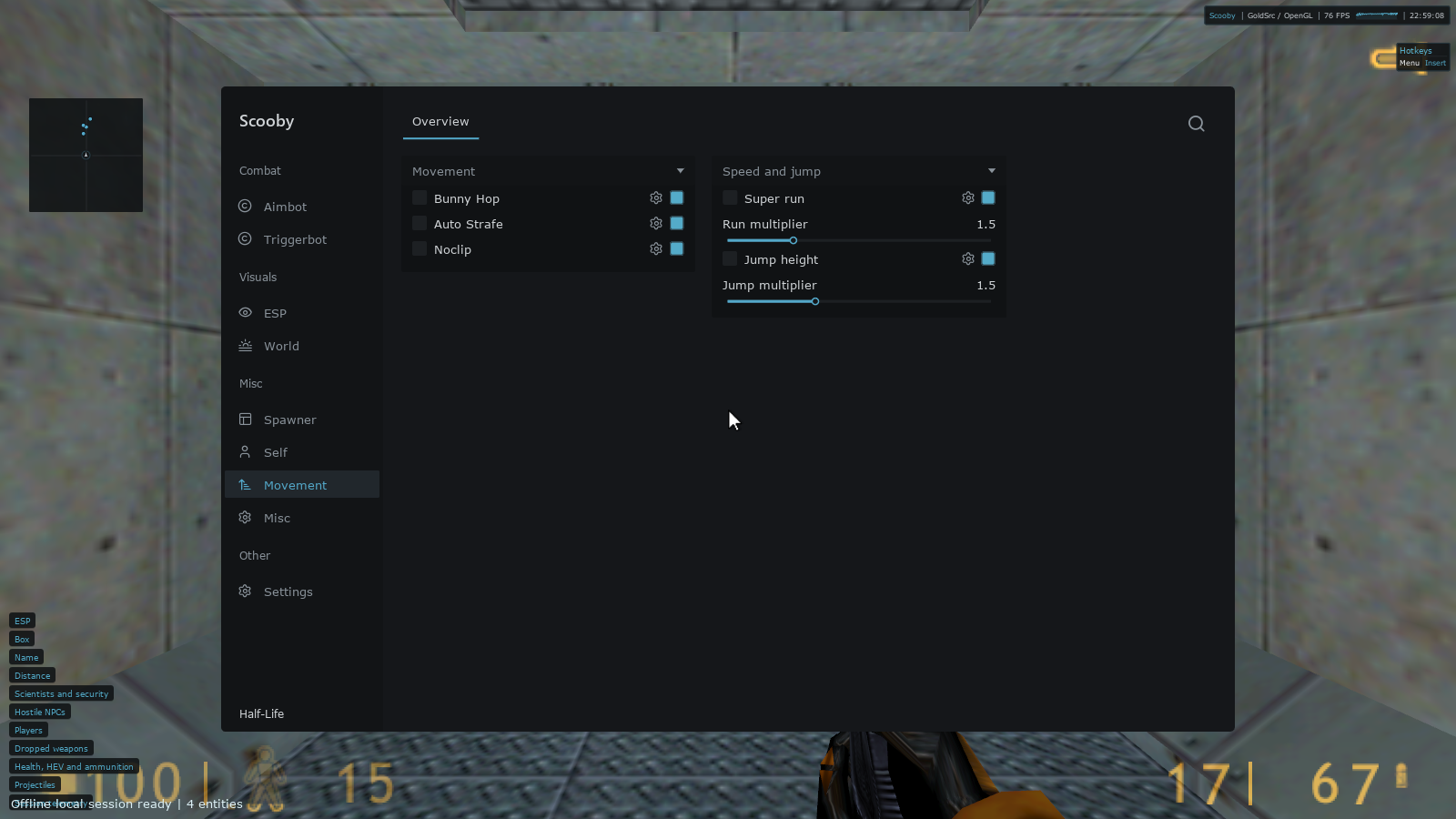
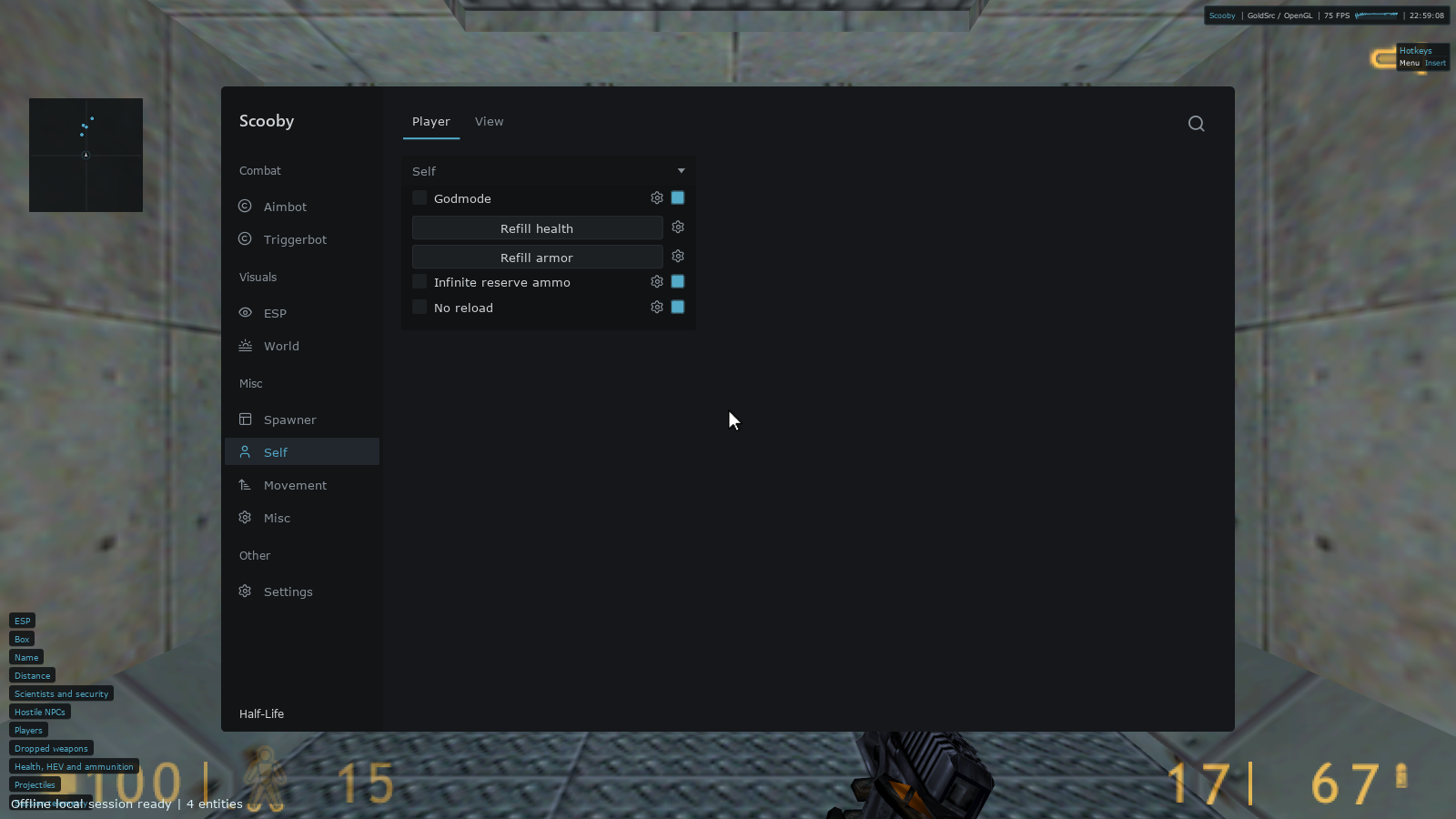
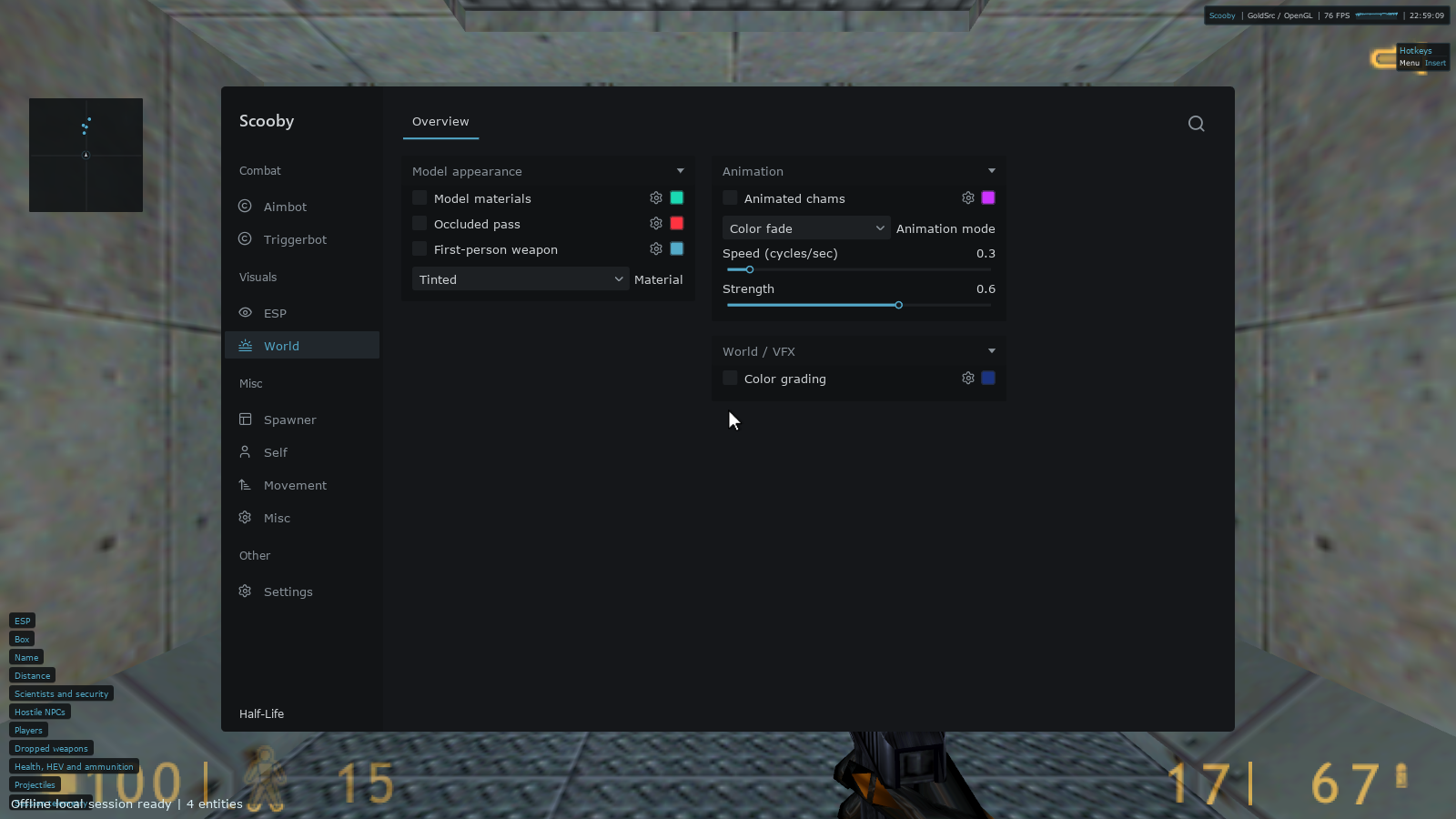
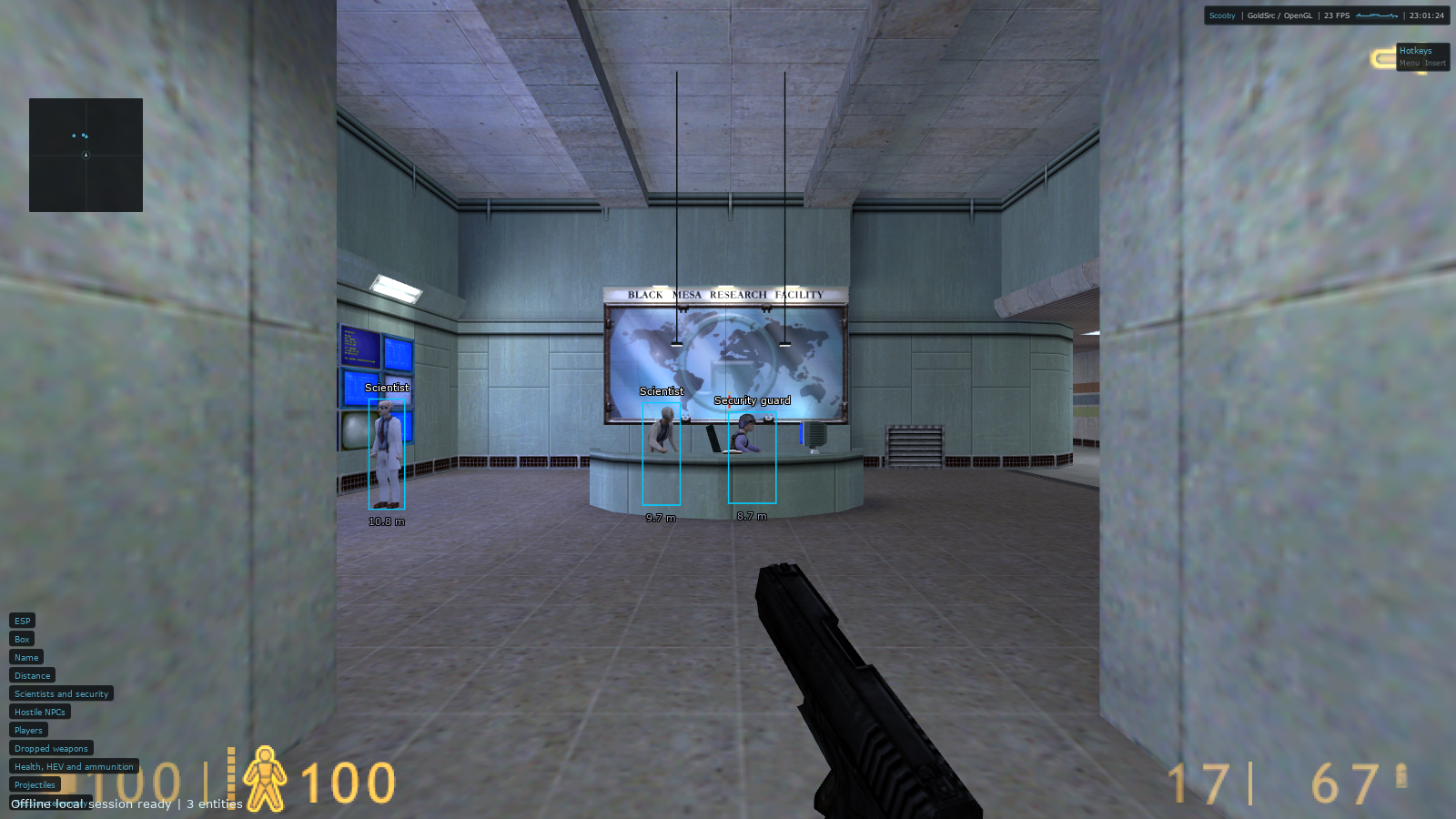
Captured in original Half-Life on Windows. Select a screenshot to view it at full size.
See more. Tune every detail.
Scooby for Half-Life 1 brings combat, visuals, movement, camera controls and campaign tools together in one customizable menu. Save your favorite settings, assign hotkeys and build your own pages with Lua.
Half-Life collection: Half-Life 1, Half-Life: Blue Shift, Half-Life: Opposing Force and Half-Life: Source share this product page and guide. Feature availability follows the selected edition and build; Half-Life: Source uses a separate Source-engine version.
Combat controls
Tune aim modes, hitboxes, field of view and smoothing. Give Triggerbot its own key, target filters, range and delay.
15 features & settings
ESP, radar & animated chams
Find entities, style model materials and animate their colors. Fine-tune what appears on screen with category filters.
21 features & settings
Player & camera controls
Manage health, armor and ammunition. Change your camera perspective, world FOV, weapon FOV and viewmodel position.
13 features & settings
Movement your way
Combine Bunny Hop and Auto Strafe with noclip, adjustable running speed and jump height.
5 features & settings
Build your next encounter
Search weapons, items and NPCs, select a catalog entry, then choose quantity and placement. Clean up temporary world spawns afterward.
2 features & settings
Make the menu yours
Save your setup in profiles, customize the interface, bind your favorite controls and extend the menu with local Lua pages.
11 features & settings