Browse FiveM graphics packs, ReShade presets, textures, timecycles and server lighting tools. Check whether each pack installs on the client or server.
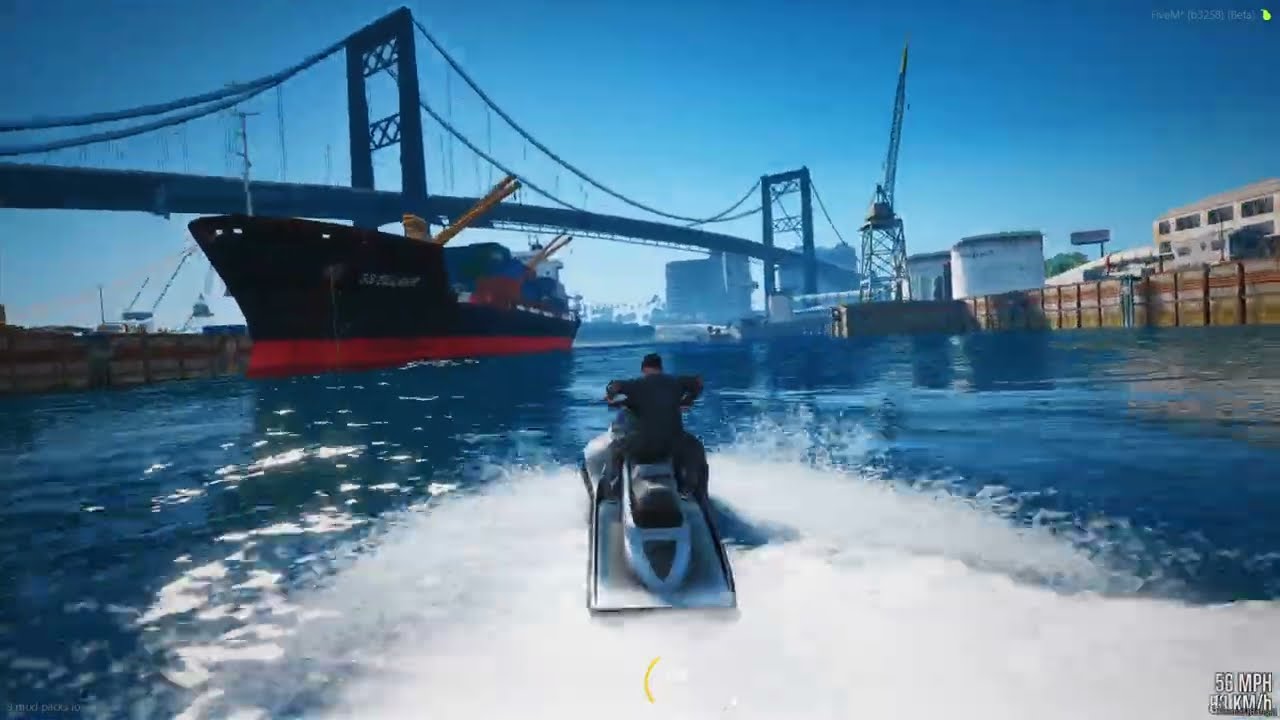
Graphics packs
Performance-oriented client graphics pack with revised weather, water and lighting.
By Hiromasa
FiveM Legacy · Client graphics pack
Get from the author ↗Setup notes
- FiveM for GTA V Legacy.
- Use the free V7 package listed by Hiromasa. Extract the archive and follow the creator’s FiveM plugins-folder guide.
Author’s install guide ↗
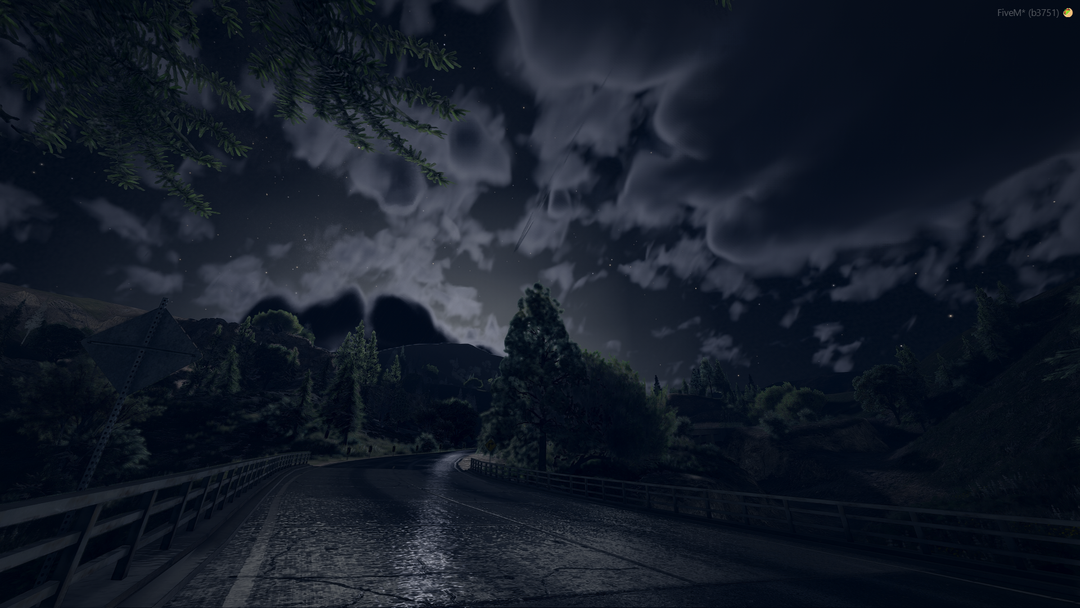
Graphics packs
A ReShade add-on and companion visual pack for lighting, reflections, volumetric weather and updated textures.
By Glint
FiveM Legacy · DirectX 11 · ReShade
Get from the author ↗Setup notes
- FiveM for GTA V Legacy with DirectX 11 and ReShade.
- Choose the GlintVisuals.rpf FiveM build. The release author notes a substantial GPU cost.
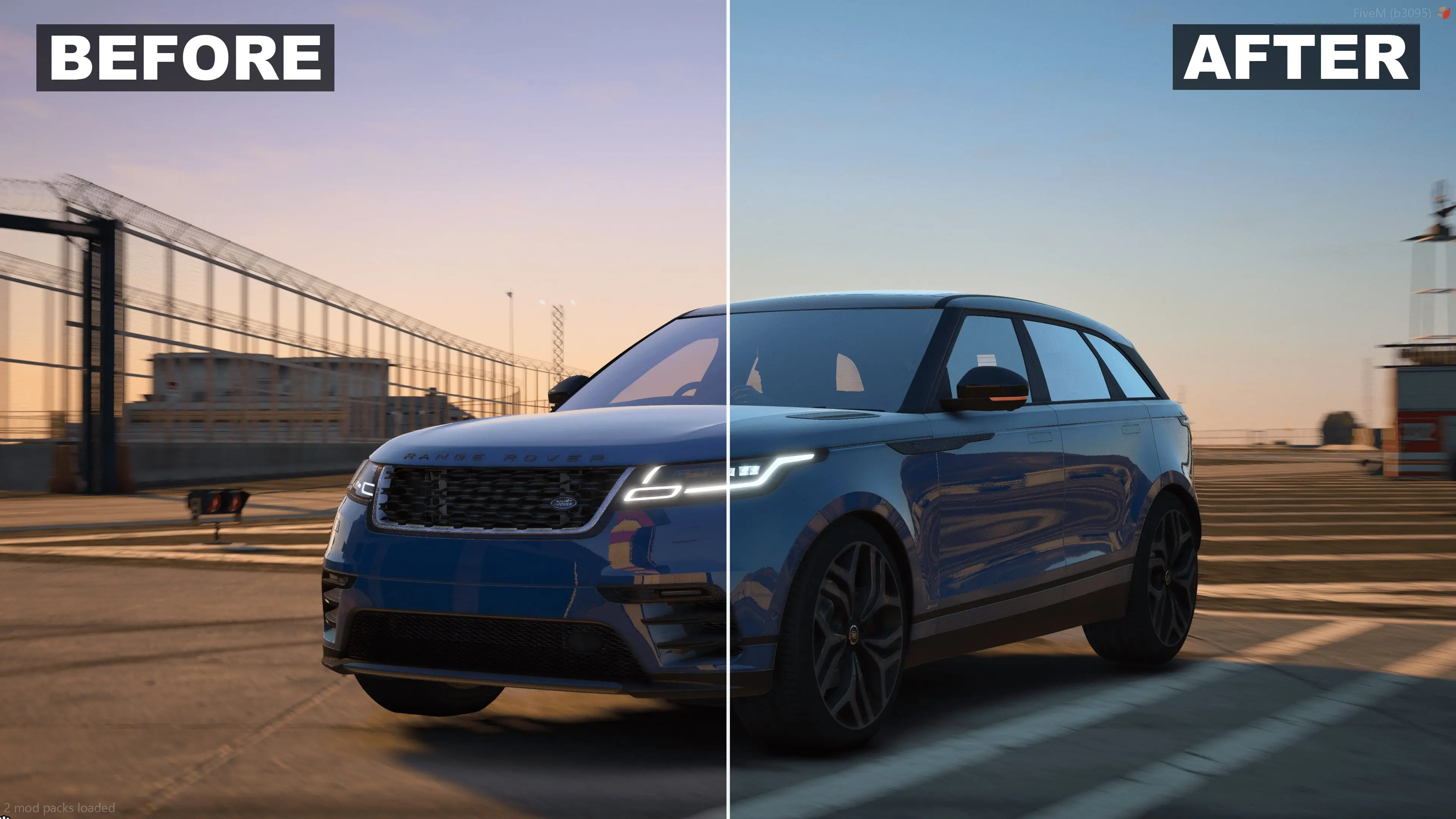
Graphics packs
A coastal color grade with cooler blues, stronger contrast and film grain.
By PrimeGraphics
FiveM Legacy · ReShade · CoreFX recommended
Get from the author ↗Setup notes
- FiveM for GTA V Legacy and ReShade with the shaders named in the release.
- CoreFX is recommended by the author. Place the .ini in the ReShade presets folder and select it in the overlay.
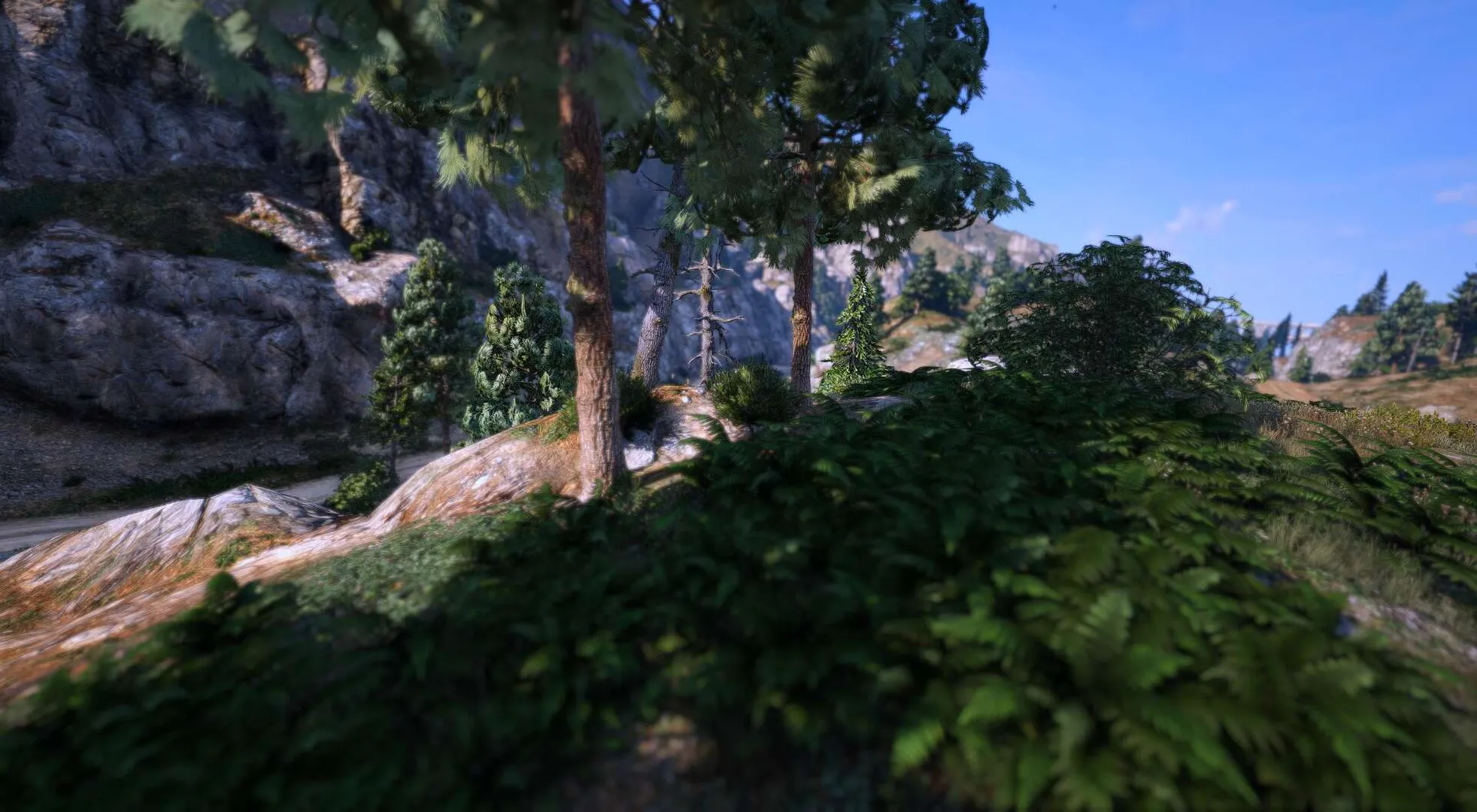
Graphics packs
Free ClearVibe ReShade preset tuned for the QuantV version of FiveM.
By UniT Presets
FiveM Legacy · QuantV · ReShade
Get from the author ↗Setup notes
- FiveM for GTA V Legacy, QuantV and ReShade.
- Choose the ClearVibe preset under Free presets and follow the author's instructions for loading it in ReShade.
Graphics packs
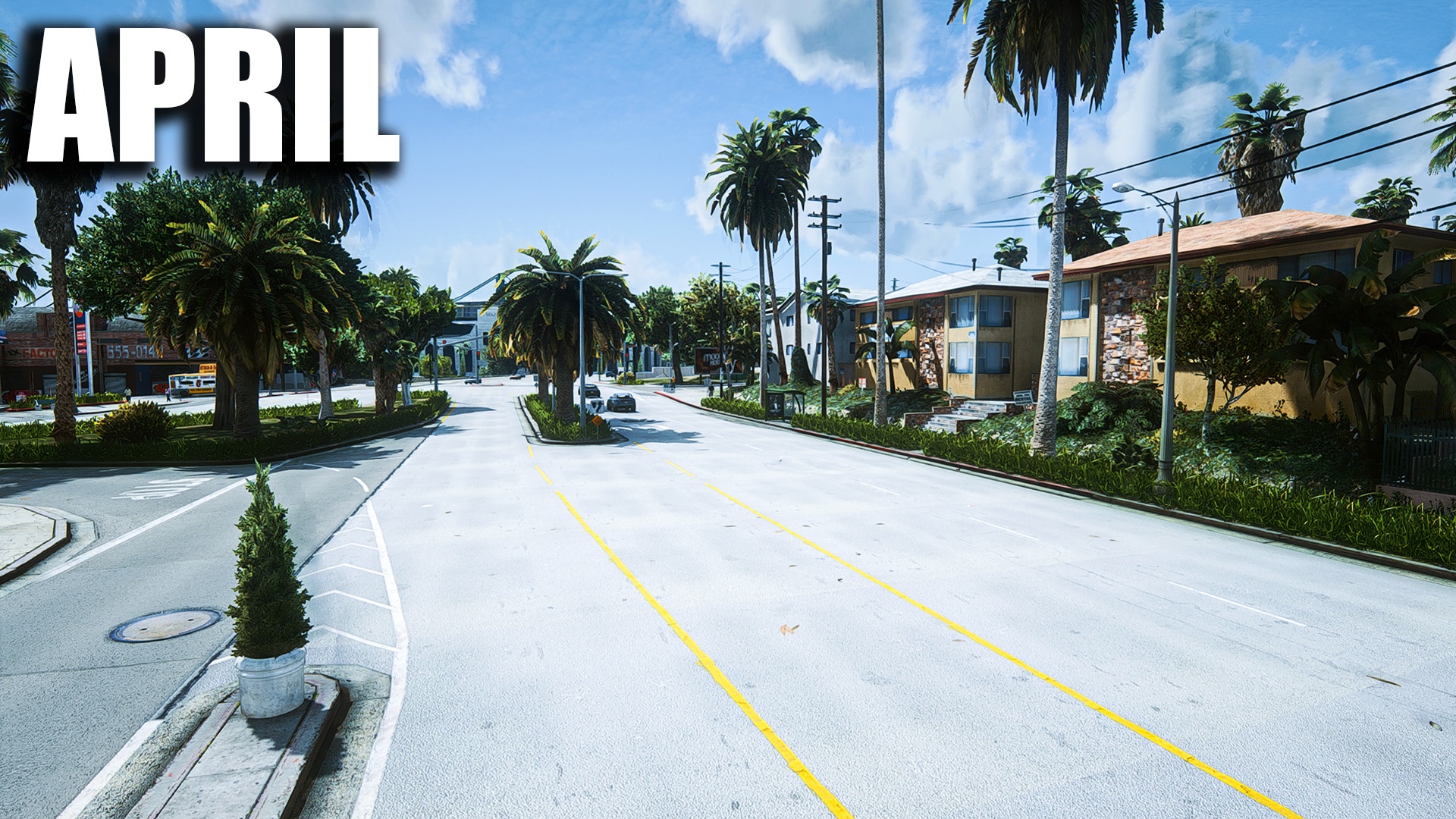
California-style road textures for Los Santos, including revised asphalt and lane markings.
By SLmodding
FiveM · Choose the 0.6 April FiveM build
Get from the author ↗Setup notes
- Select 0.6 April FiveM in All Versions on the author’s release page.
- Follow the FiveM build’s instructions and check it against the target game and server build.
Graphics packs
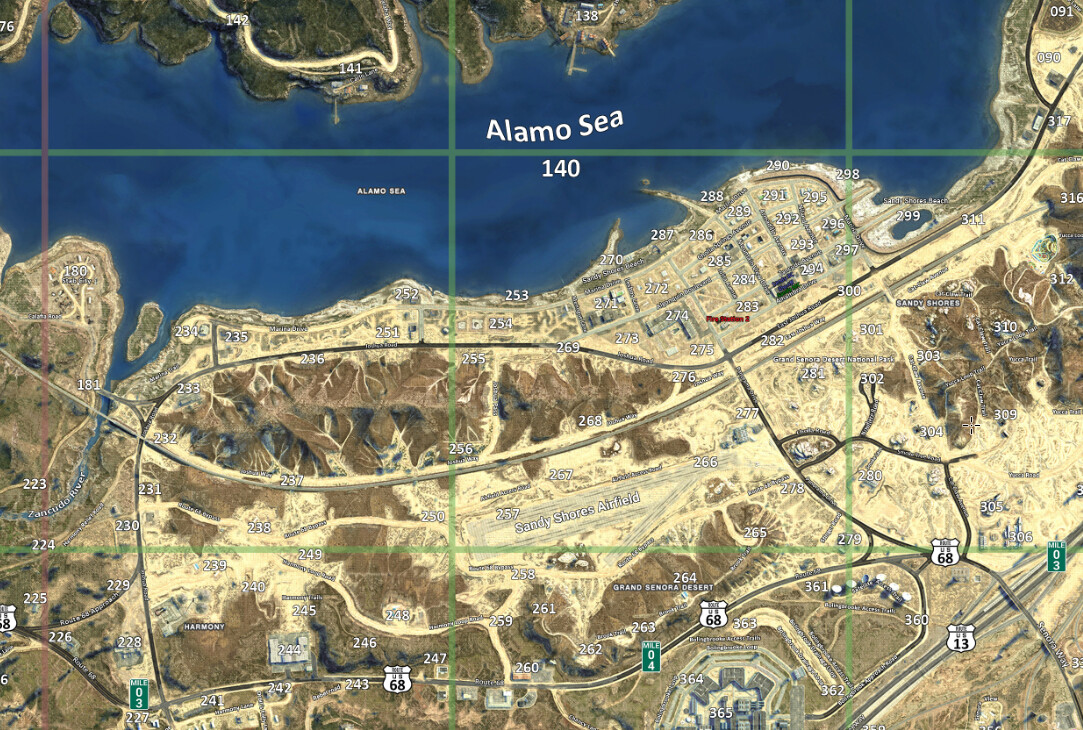
A server-streamed satellite minimap with custom postals, street labels and an optional no-grid version.
By Oulsen
FiveM · Server-streamed minimap
Get from the author ↗Setup notes
- FiveM server with permission to install resources.
- Keep the oulsen_satmap resource intact. Follow the README to enable it and choose the grid or no-grid textures.
Author’s install guide ↗
Graphics packs
A standalone visual overhaul with revised weather, lighting, bloom and color. This is the final feature release.
By Stryfaar
FiveM Legacy · Client RPF pack
Get from the author ↗Setup notes
- Under All Versions, choose 2.0 for FiveM (FINAL). The main download is the single-player version.
- The author puts the FiveM RPF files in FiveM.app/mods. Record which files you add and back up any files you replace before testing.
Graphics packs
A graphics overhaul with distinct weather palettes and revised lighting for dawn and dusk. It runs without ReShade or ENB.
By U1D GFX
FiveM Legacy · Client timecycle pack
Get from the author ↗Setup notes
- Select FiveM 1.0.0 in All Versions and use the written installation instructions included with that package.
- Compare it on its own before layering another graphics preset over it.
Graphics packs
A server resource that offers a menu for changing timecycle presets and vehicle light intensity in game.
By Project-X
Server resource · OneSync Infinity · MenuV or ox_lib
Get from the author ↗Setup notes
- The author lists OneSync Infinity and either MenuV or ox_lib. Install the chosen menu library before starting X-Visual.
- Use the configuration supplied by the author and check how its presets interact with your other visuals resources.
Author’s install guide ↗
Graphics packs
A server utility for distributing a custom visualsettings.dat to connected players. Use it to tune shared effects such as vehicle lights.
By Jarrrk
Server resource · Custom visualsettings.dat
Get from the author ↗Setup notes
- Name the folder VisualSettings and start it from server.cfg as the author describes.
- Test a single visualsettings.dat on a test server before enabling it alongside other lighting resources.
Author’s install guide ↗