
Team Fortress 2 Cheat
One home for TF2 and TF2 Classified. Explore Rage and Legit aim, player ESP, chams, class skins, movement and Lua in a customizable interface.
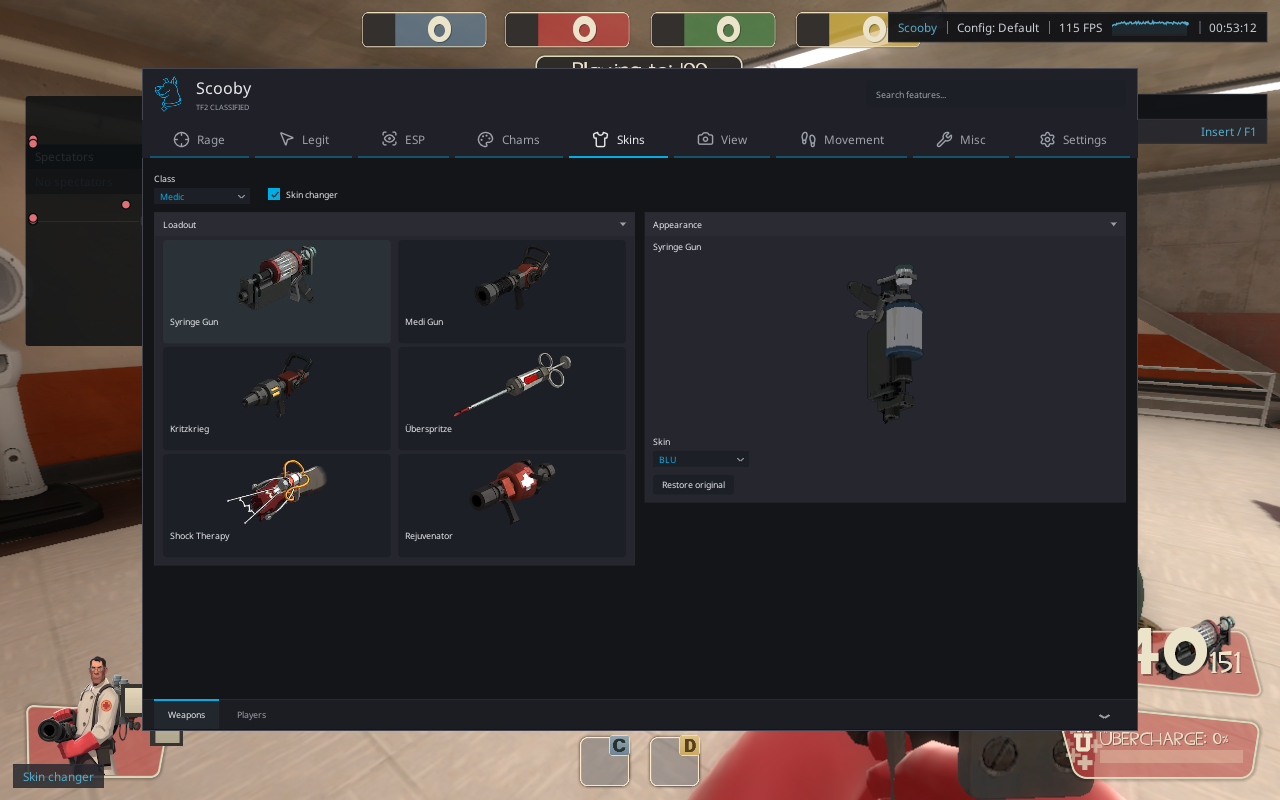
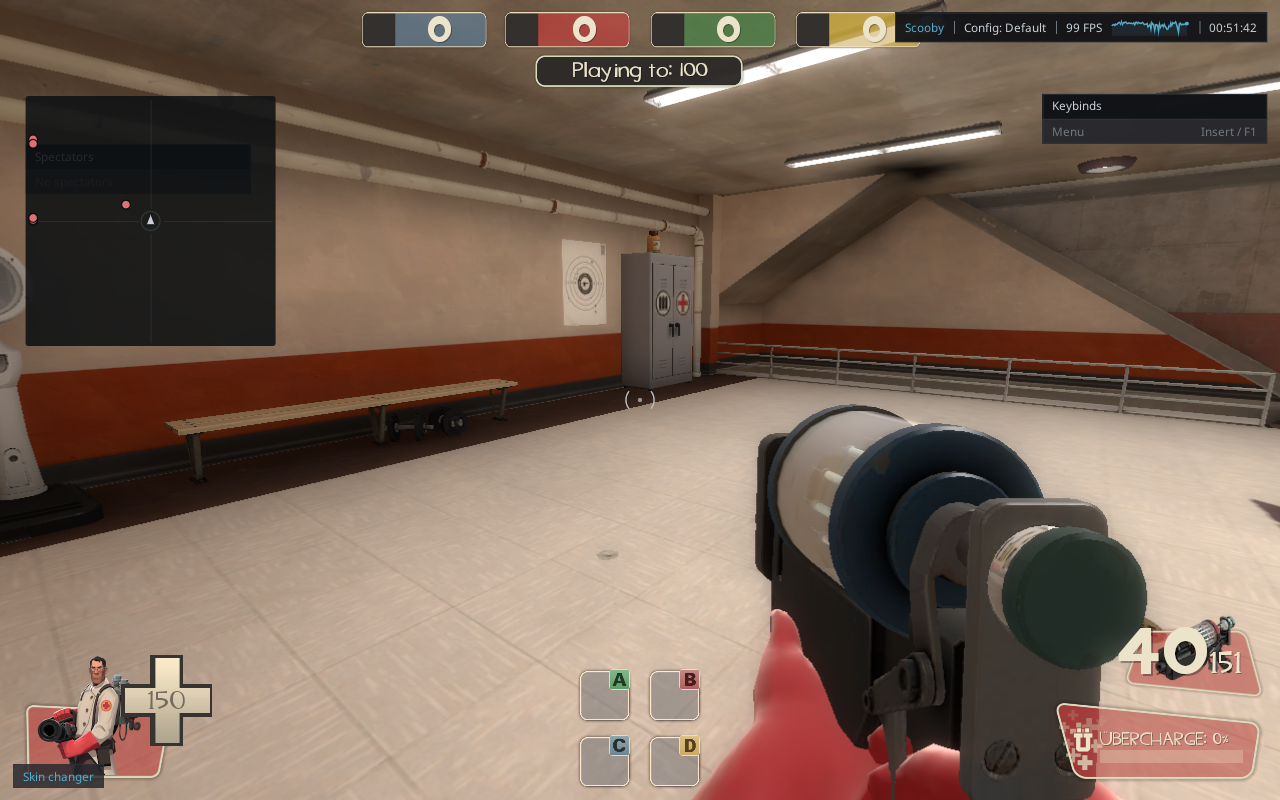
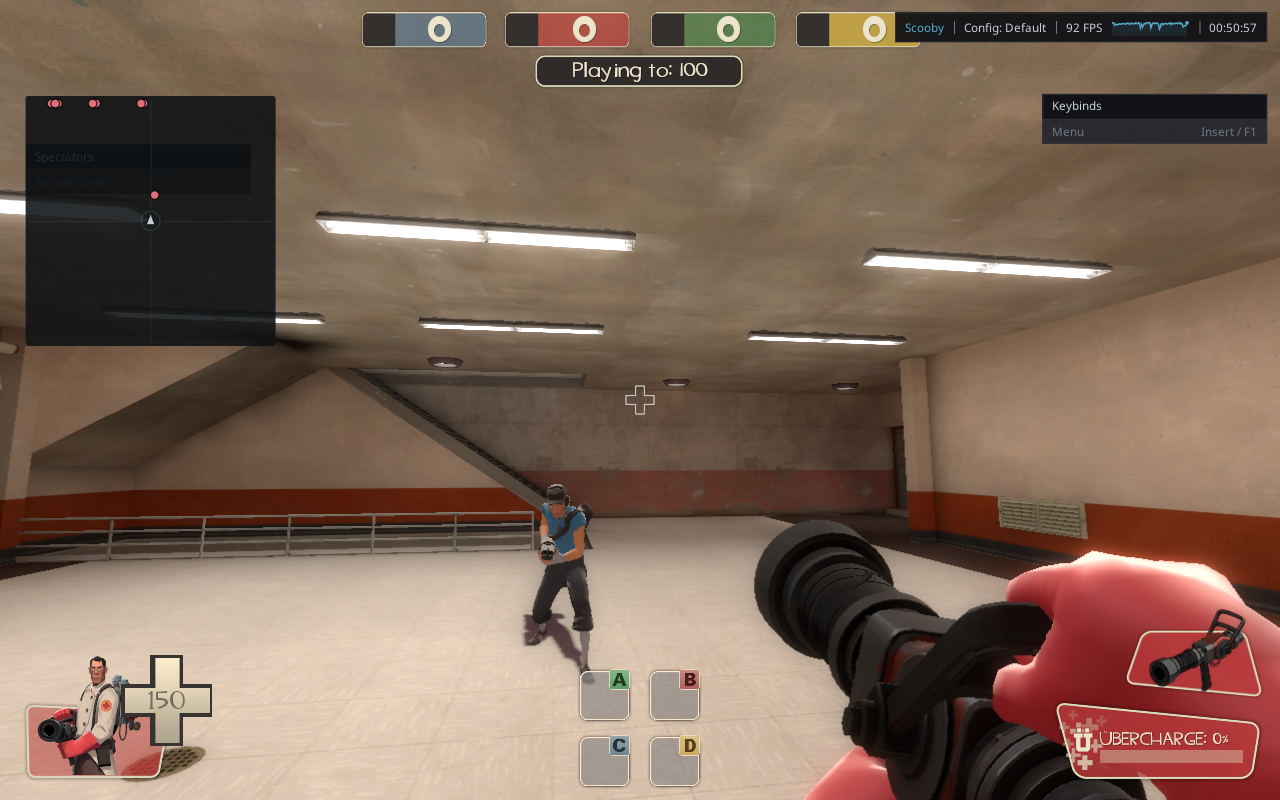
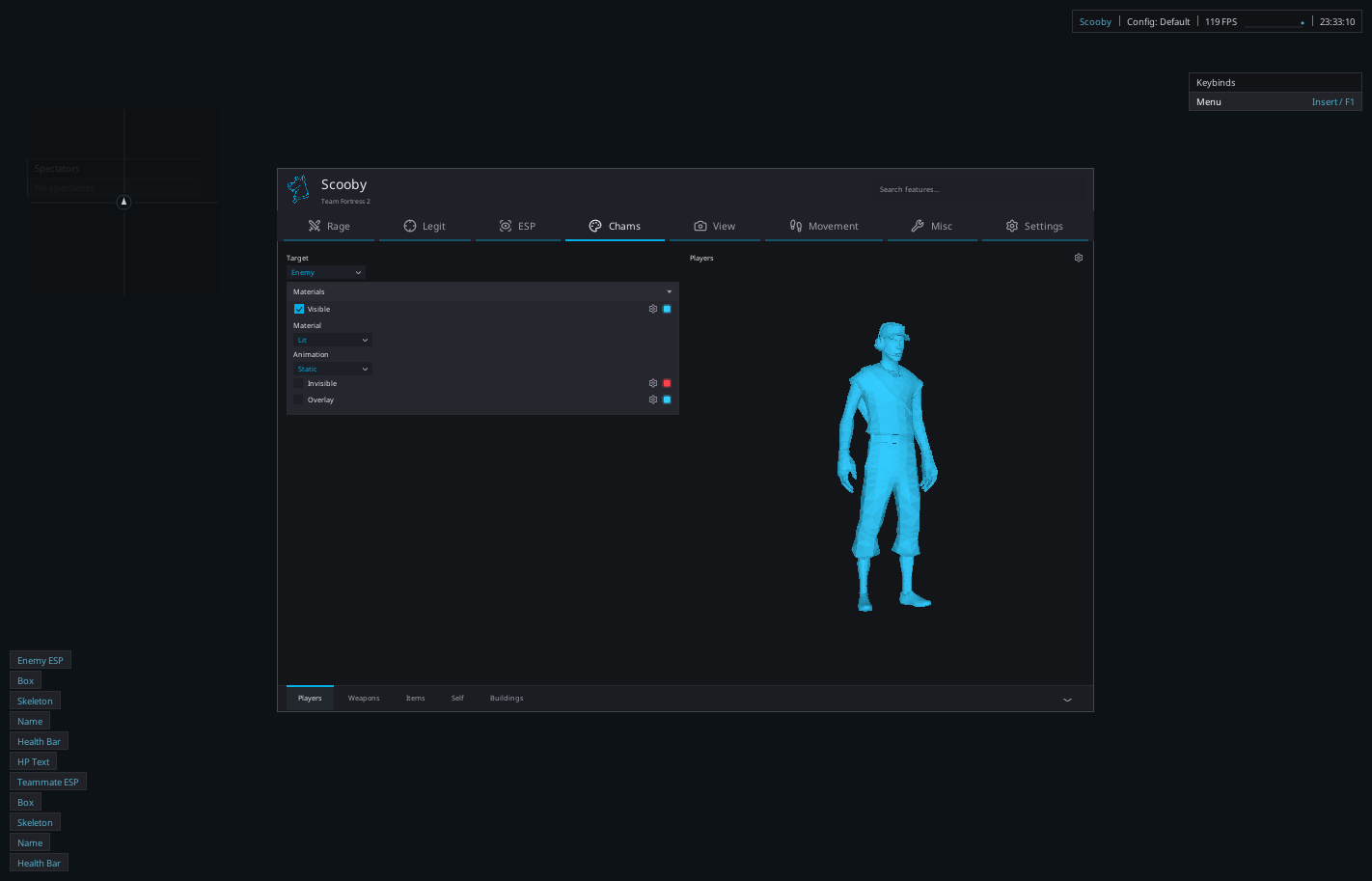
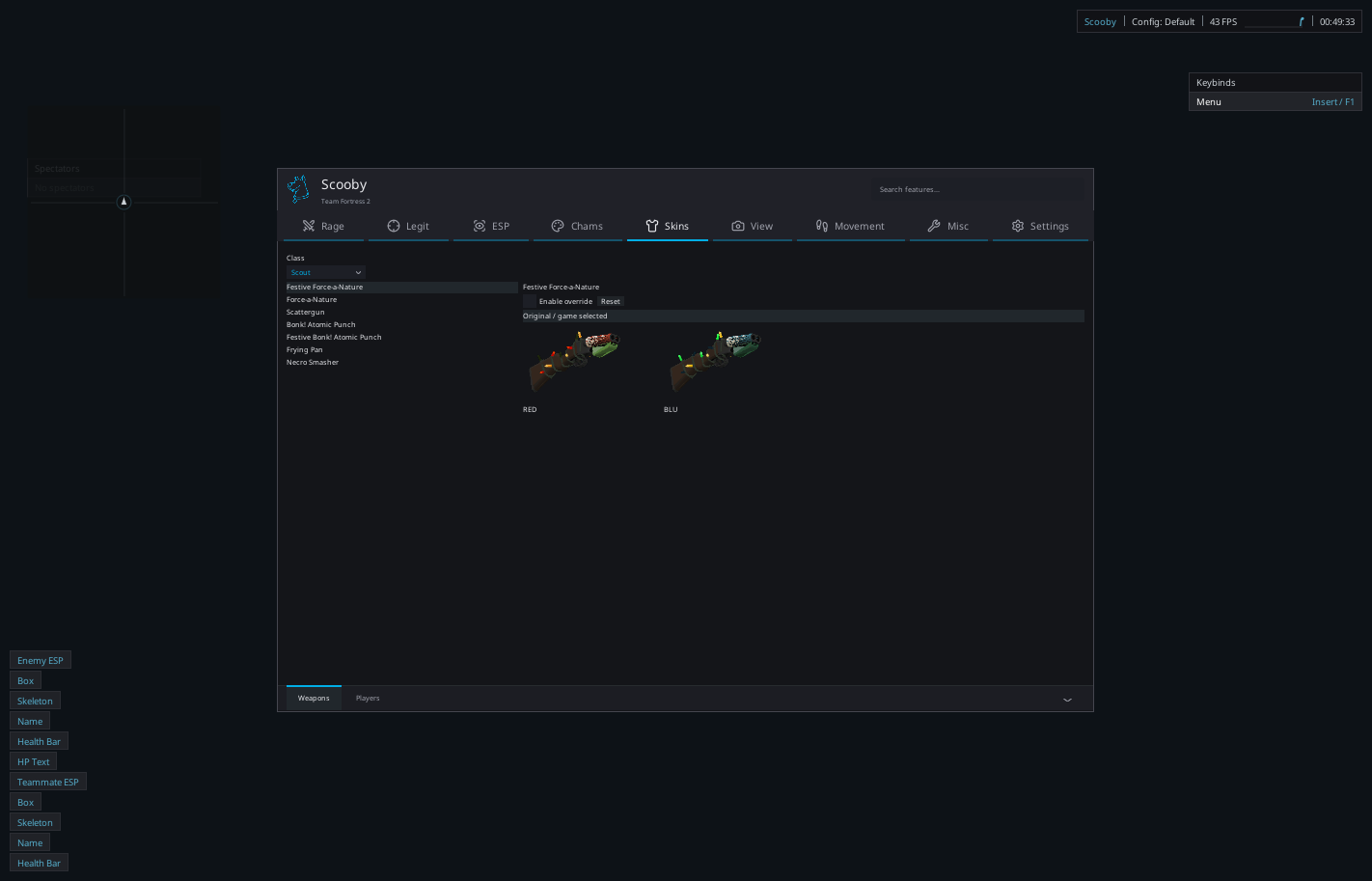
Actual Classified gameplay from a local Hydro session, plus labeled retail interface previews. Select any image to view it at full size.
Your class. Your setup.
Scooby brings the original Team Fortress 2 and TF2 Classified into one loader entry, with a separate package and profile for each edition. Start with the shared tools, then explore the controls built for your game.
Rage & Legit
Use independent aim and trigger profiles, Camera or Silent aim, target filters, smoothing, FOV and activation keys.
Player & world ESP
Tune player boxes, skeletons, health, names and distance. Give teammates, buildings, health packs, ammo and dropped weapons their own settings.
Independent chams
Style players, teammates, self, arms, weapons, buildings and items. Visible, invisible and overlay passes have separate colors, materials and animations.
Class & weapon skins
Browse the installed class and weapon catalog, preview appearances and select supported model skin families. Skin choices are local visual changes.
Movement & view
Configure bunny hop, auto strafe, camera FOV and model FOV. Retail also exposes viewmodel position and angle offsets.
World & game modes
Retail includes separate objective and mode-object visuals plus MvM controls. Classified provides its own building, projectile, objective and NPC visuals.
Lua scripting
Use the built-in editor, script manager and console. Read player snapshots, draw overlays and add custom controls through the TF2 API.
Profiles & interface
Save settings, assign hotkeys, search features, manage Favorites and adjust the interface and overlay scales.
Get started with TF2
- Get a free key, sign in to Scooby Launcher with it and open TF2. Existing paid accounts can also use both editions.
- Choose Team Fortress 2 or TF2 Classified. The dashboard dropdown lets you switch later.
- Follow the setup guide, load the matching package and open a local practice session.
- Press Insert or F1, then choose your settings or load a saved profile.
Edition-specific settings and game-update compatibility are described in the wiki and feature library.
Common questions
Is TF2 free?
Yes. One valid Scooby free-key session gives you access to both retail TF2 and TF2 Classified. Existing paid accounts also include access. No separate TF2 purchase is required; expired keys must be renewed.
Does this include TF2 Classified?
Yes. Choose Team Fortress 2 or TF2 Classified in the loader popup or dashboard dropdown. Each edition keeps its own game files, settings and scripts.
Are the screenshots taken in game?
The three Classified screenshots are actual captures from a local Hydro session. The two retail images are labeled interface previews from the standalone preview application.
Which features work in both editions?
The core combat, player visuals, chams, skins, movement and scripting pages are shared. Mode-specific controls differ; the full feature list marks the edition-specific options.
How do I get started?
Open TF2 in the loader, choose your edition and follow the setup guide. Use Insert or F1 to open the interface after loading. The current preview supports eligible local practice sessions.
Can I add my own Lua scripts?
Yes. Start with the downloadable examples, then use the TF2 API reference for functions, settings and shared UI controls.