Crashing Solutions
General help · Scooby Wiki
Crashing Solutions
Work through these in order - they resolve the overwhelming majority of crashes:
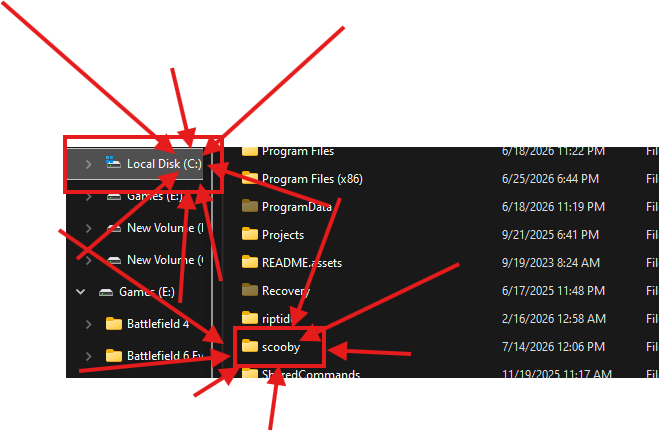
- Delete
C:\scooby. Do this after every Scooby update to avoid conflicts with your old settings - Do not use third-party antivirus software (Norton, Avast, Malwarebytes, etc.)
- Turn off Windows Defender. Avoid Defender Control - just turn it off normally and avoid any issues DC may cause
- Make sure DirectX runtimes and C++ runtimes are installed
- Make sure your graphics drivers are up to date
- Try using a VPN, and make sure it has no built-in antivirus or anti-malware settings. Cloudflare works for most users
- Make sure Date & Time is synced in Windows settings
- If all of the above fails and you are still crashing, it is probably your user permissions - create a new Windows user with admin rights
Free users
Make sure you are following the injection instructions properly. Almost every issue comes from skipping steps. The guides exist for a reason - if you want to play without the restrictions, the Premium Plus version gives you access to everything. Otherwise, use the limited free version as documented.